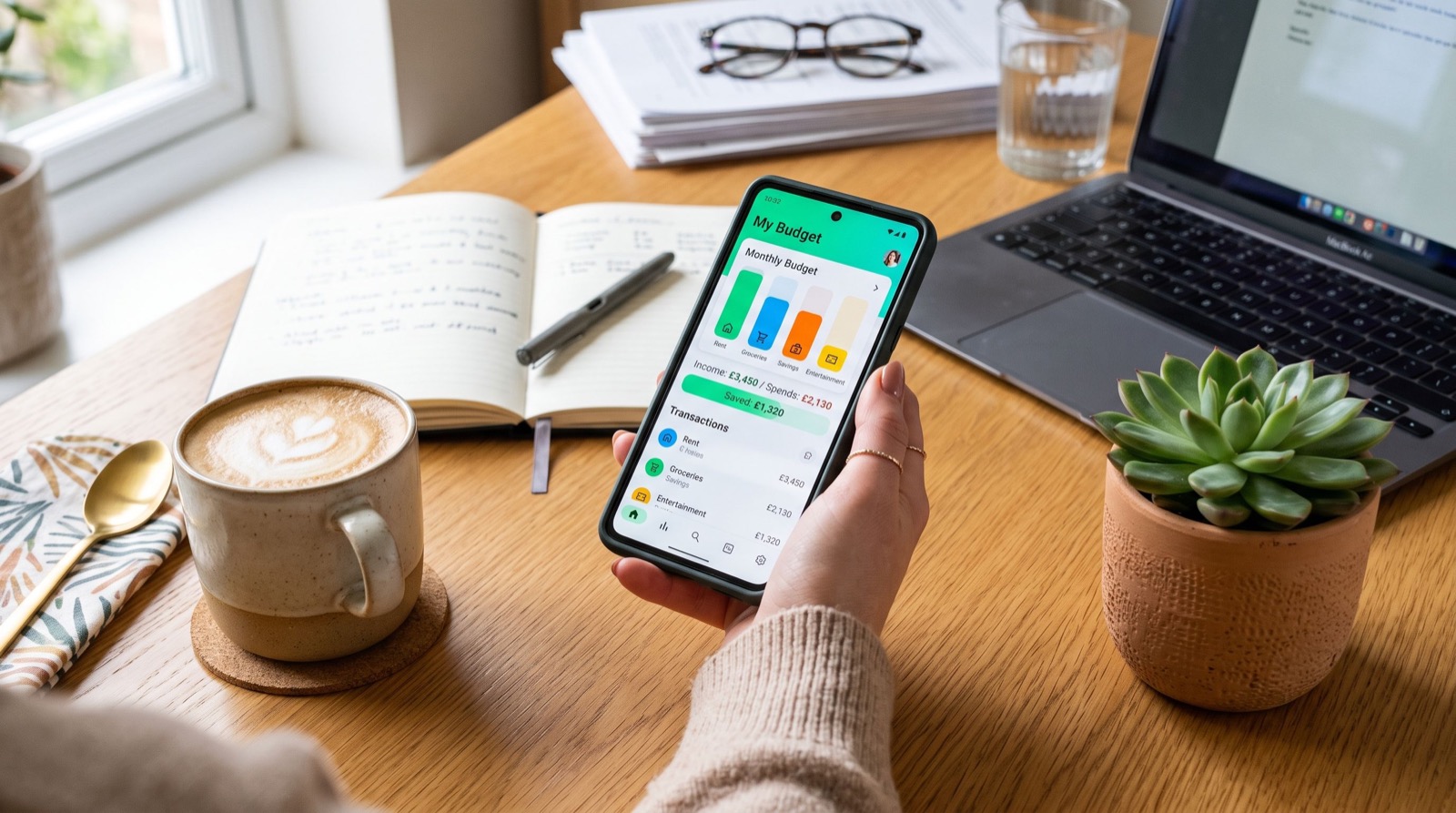
Peer-to-peer payments have quietly replaced cash for millions of Americans, and this Cash App guide breaks down exactly how to use the platform safely, cheaply, and to your advantage in 2026. Whether you are splitting dinner, paying rent to a roommate, or getting your paycheck two days early with direct deposit, Cash App has grown from a simple money-transfer tool into a full pocket bank. But convenience cuts both ways, and knowing the fees, limits, and security settings is what separates a smart user from an easy target.
This walkthrough covers setup, the features worth turning on, the fees worth avoiding, and the scams to watch for, so you get the most out of the app without the headaches.
Cash App Guide: What It Is and How It Works
At its core, Cash App lets you send and receive money using just a username, called a $Cashtag. Link a debit card or bank account, and transfers between friends are instant and free. Where it gets powerful is the surrounding ecosystem: a free Cash Card debit card, direct deposit, savings, stock investing, and Bitcoin, all inside one app.
That bundling is why so many younger users treat it as their primary account. It behaves like a bank without the branch, the paperwork, or the monthly maintenance fees traditional accounts often charge.
Getting set up the right way
Download the app, verify your phone or email, link a funding source, and choose a memorable $Cashtag. Before you send a dollar, enable Security Lock so every payment requires a PIN, Face ID, or Touch ID. This single setting stops most casual unauthorized transfers.
The Features That Make Cash App Worth Using
Cash App is more than a way to reimburse a friend. Several built-in tools can genuinely improve your financial life if you switch them on and use them intentionally.
- Cash Card: A free customizable debit card that unlocks instant discounts called Boosts at specific retailers.
- Direct deposit: Route your paycheck to the app and you may receive funds up to two days early.
- Savings: Set money aside in a dedicated balance and round up card purchases automatically.
- Investing: Buy fractional shares of stock or Bitcoin with as little as one dollar.
- Overdraft coverage: Eligible users get limited protection when balances run short.
Because it combines spending, saving, and investing, Cash App competes with several standalone money apps at once. For many people that consolidation is the whole appeal: one login instead of five.
What Are the Cash App Fees I Should Know About?
Most everyday actions are free, but a handful of choices trigger charges. Knowing them in advance keeps more money in your pocket.
Free versus paid actions
Standard transfers to your bank take one to three business days and cost nothing. If you need the money now, an Instant Transfer carries a percentage-based fee. Sending money from a linked credit card also adds a fee, so fund payments from your balance or debit card whenever possible.
| Action | Typical Cost | Smart Move |
|---|---|---|
| Send to a friend (balance/debit) | Free | Default option |
| Send via credit card | ~3% fee | Avoid; use balance instead |
| Standard bank transfer | Free (1–3 days) | Plan ahead |
| Instant transfer | 0.5%–1.75% | Only when truly urgent |
| ATM withdrawal | Fee unless direct deposit set up | Enable direct deposit |
Buying and selling Bitcoin also includes a spread and service fee, which is normal for the industry but worth understanding before you trade.
Stay Safe: Avoiding Scams and Protecting Your Money
Because transfers are instant and often irreversible, fraudsters love peer-to-peer apps. The Consumer Financial Protection Bureau warns that payments sent to the wrong person are difficult to recover, so treating every transfer like handing over cash is the right mindset.
Red flags and safe habits
Follow this checklist to keep your balance protected. Most victims skip at least one of these steps.
- Only send to people you know. Treat requests from strangers as scams by default.
- Ignore “verification” payments. Cash App will never ask you to send money to prove your identity.
- Distrust cash-flipping offers. No legitimate service multiplies money you send them.
- Confirm the $Cashtag exactly. A single wrong character sends funds to the wrong person.
- Enable all security settings and never share your PIN or sign-in code.
If you ever suspect fraud, dispute the transaction through the app immediately and contact support only through official in-app channels. Working with reputable service experts for broader financial planning can also help you build habits that keep every account secure, not just this one.
Getting the Most From Cash App in 2026
Used deliberately, Cash App can trim fees, earn a little on savings, and make everyday money movement effortless. Turn on Boosts before you shop, set up direct deposit to unlock free ATM withdrawals, and use the round-up feature to grow savings without noticing. For a deeper breakdown of features and comparisons, this detailed Cash App guide is a strong next read as your needs grow.
Frequently Asked Questions
Is Cash App safe to use for everyday payments?
Yes, when you enable the Security Lock, use a strong PIN, and only transact with people you trust. The main risk is user error or scams rather than the platform itself, since instant transfers are hard to reverse once sent.
Does Cash App charge a fee to send money?
Sending money funded by your Cash App balance or a linked debit card is free. Payments funded by a credit card add roughly a three percent fee, and instant transfers to your bank carry a small percentage charge.
Can I get my paycheck early with Cash App?
Often yes. If you set up direct deposit and route your employer’s payment through the app, funds may arrive up to two days sooner than a traditional bank, depending on when your employer submits payroll.
What should I do if I send money to the wrong person?
Request a refund directly from the recipient through the app, since Cash App cannot force a reversal. Always double-check the $Cashtag before sending, because payments to strangers are rarely recoverable.
Start Using Cash App Smarter Today
This Cash App guide shows that a few small settings and habits separate a frustrating experience from a genuinely useful one. Lock down your security, understand the fees, and switch on the features that pay you back. Ready to take control of your digital wallet in 2026? Explore more money-management resources, compare your options, and make every dollar move exactly where you want it.